
What a Skilled-Trade Website Needs to Generate Better Inquiries
A practical checklist for clear service pages, useful project proof and an easier path from a mobile visit to a qualified inquiry.
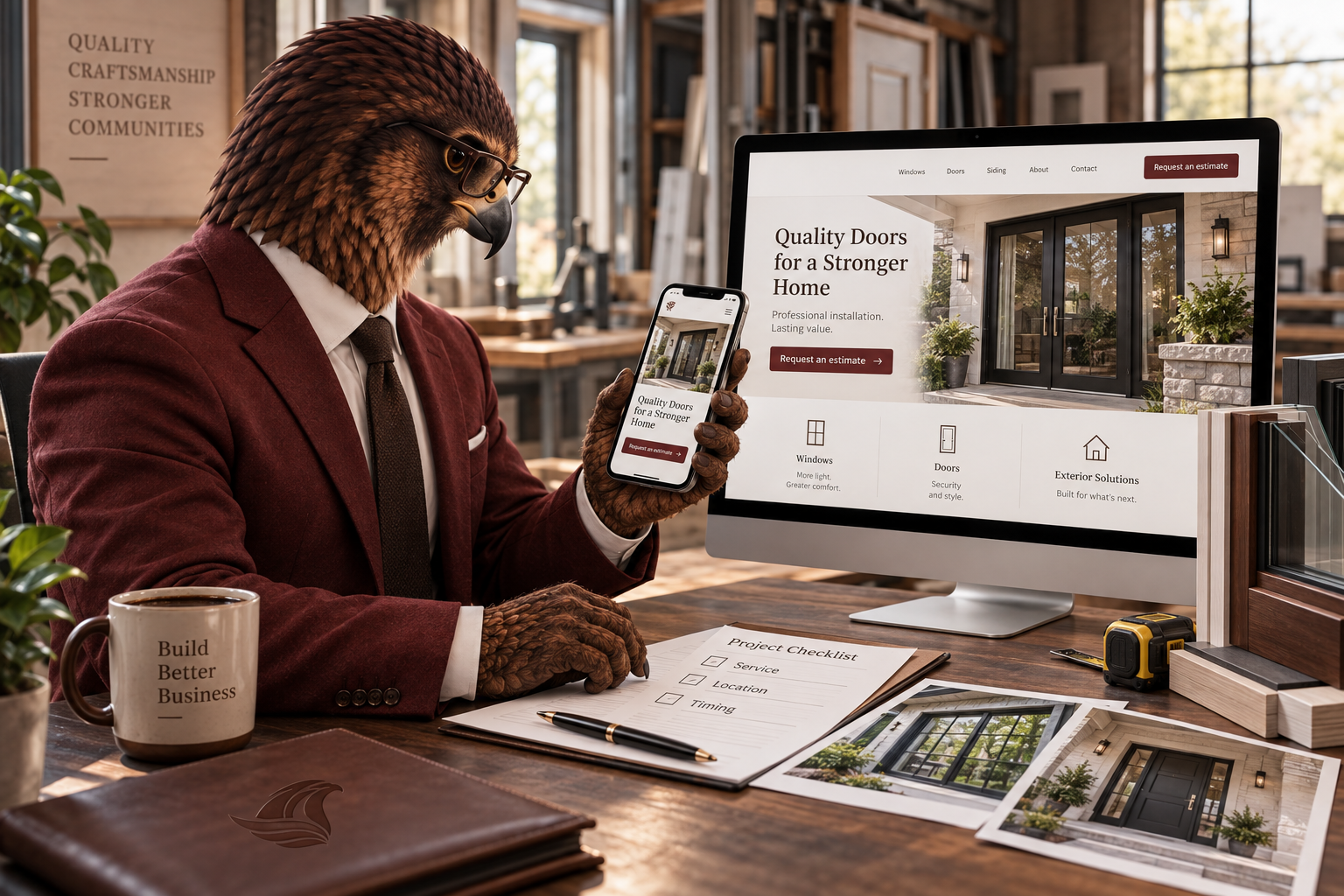
A useful website helps the right customer recognize a fit, trust your work and take the next step. Start with clarity before adding more features.
A prospective customer should not have to decode your business. Whether you install windows, fabricate metal, repair HVAC systems or clear land, your website needs to answer three questions: Can you handle this job? Do you serve my area? What should I do next?
A polished design matters, but a better inquiry starts with useful information. These are the foundations we would review before recommending more pages or more traffic.
Make your best-fit work obvious
Lead with the services you want to sell, the customers you serve and your actual service area. “Quality solutions” tells a buyer much less than “Replacement windows and exterior doors for homeowners in the Charlotte area.” Treat that as an example of clear positioning, not a phrase every business should copy.
Separate work that involves different buying decisions. A fabrication company might need distinct explanations for production runs, custom components and repair work. Each page should explain what information helps you evaluate a request, such as drawings, material specifications, quantities or installation requirements.
Show proof that answers a buyer’s questions
Use authorized photographs of actual projects with short captions explaining the challenge, scope and completed work. For a window installation, that might include the type of property, the products installed and the finish details. For land clearing, access conditions and the intended use of the site may be more informative than a dramatic before-and-after alone.
Only publish credentials, warranties, reviews and results you can support. A handful of well-explained projects is more useful than a large gallery with no context. Keep customer addresses and private project details out unless you have permission to share them.
Build the inquiry around the job
Choose a primary action such as requesting an estimate or discussing a project. Make it easy to find after your service explanation and on a phone. Ask for enough detail to route the inquiry without turning the first contact into a full specification exercise.
- Name and a reliable way to reply.
- Service needed and project location.
- A short description and desired timing.
- Optional supporting details when they help assess the work.
Explain what happens after submission. Promise only a response window your team can meet. If a phone number is shown, test the tap-to-call link and make sure someone is responsible for missed calls. These details belong in the scope of website development built around inquiries, not as an afterthought once the design is finished.
Make the site useful on a real phone
Open your most important page on mobile and complete the inquiry yourself. Check whether text is readable, buttons are easy to reach and images leave room for the actual message. Test form errors and the confirmation message. A working desktop experience does not prove the mobile journey works.
Use descriptive page titles and headings, explain services in your customers’ language and connect related pages with useful links. Google’s SEO Starter Guide describes how clear, organized content helps people and search engines understand a website. Ongoing SEO and local visibility work can build on that foundation; it does not replace a clear offer.
Your next practical step
Review one high-priority service page this week. Ask someone unfamiliar with your company to identify what you do, where you work and how to inquire. Then fix the first point where they hesitate. Track whether subsequent inquiries fit your services and location, rather than judging the update only by page views.